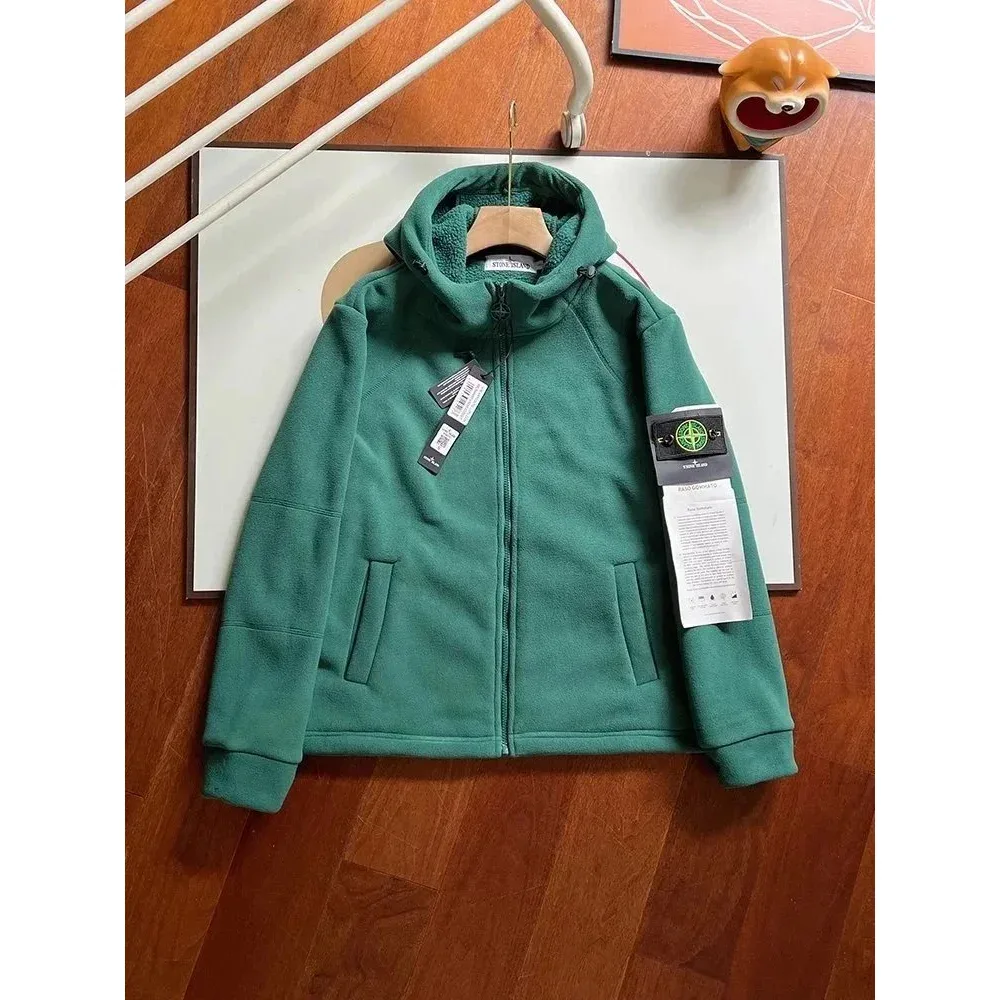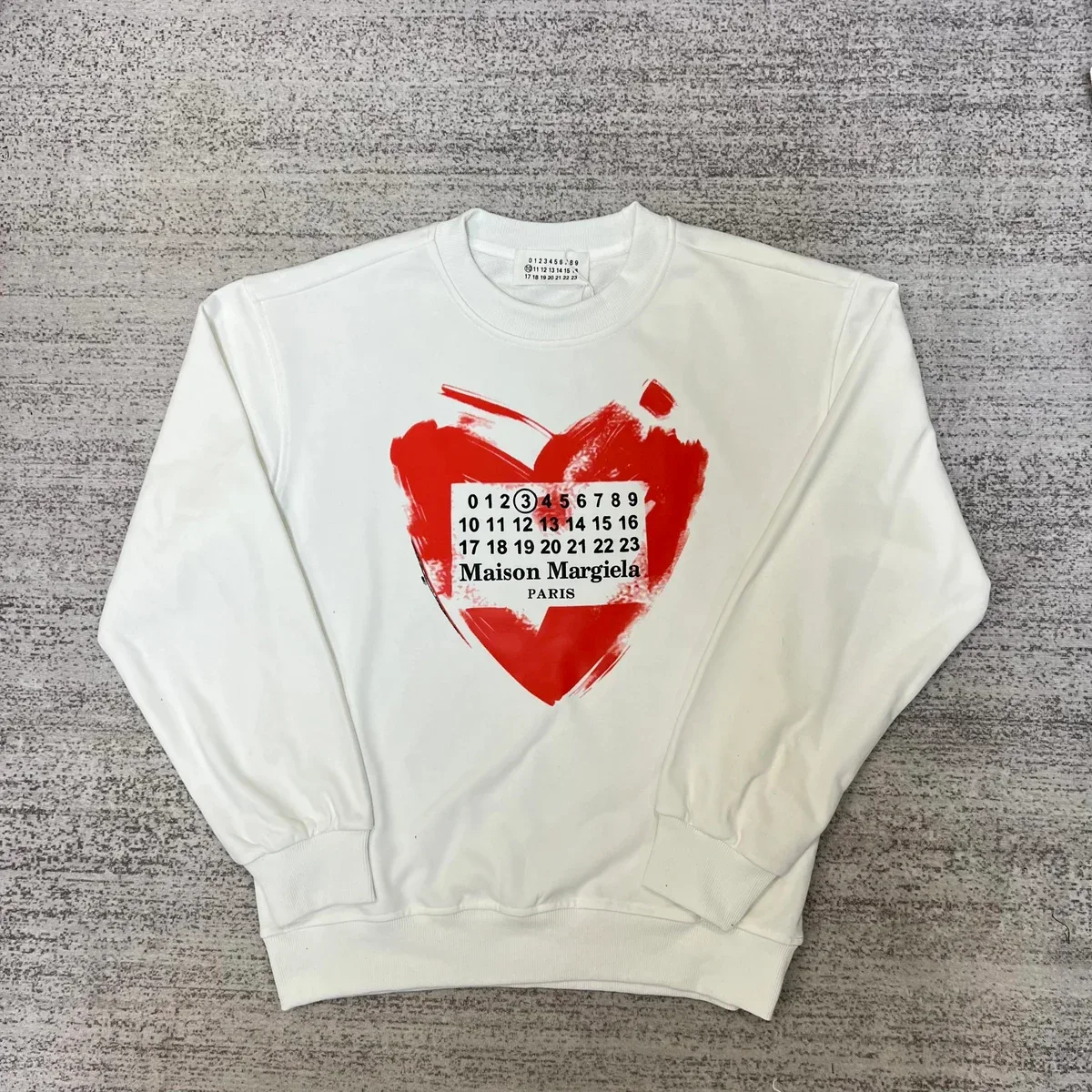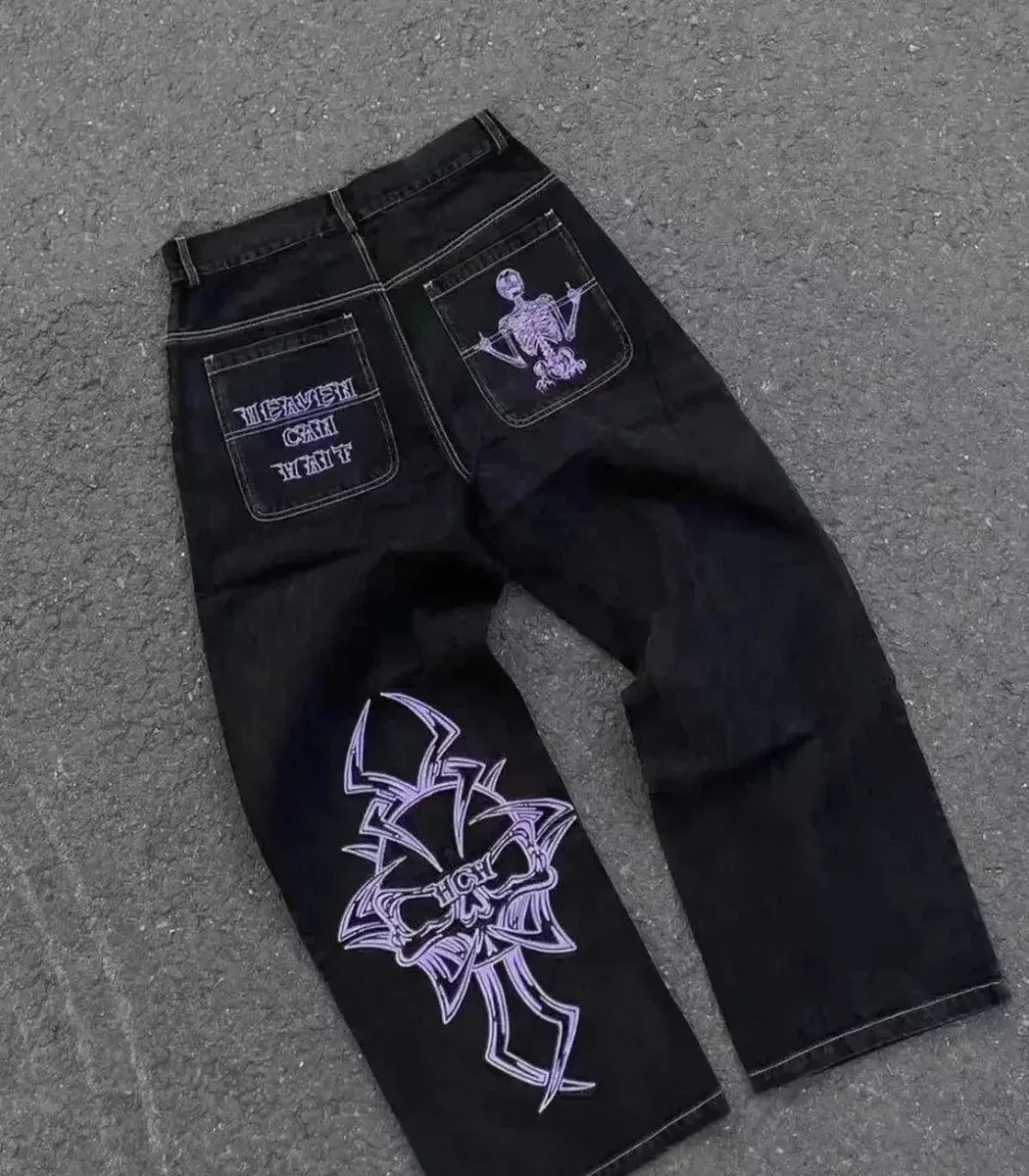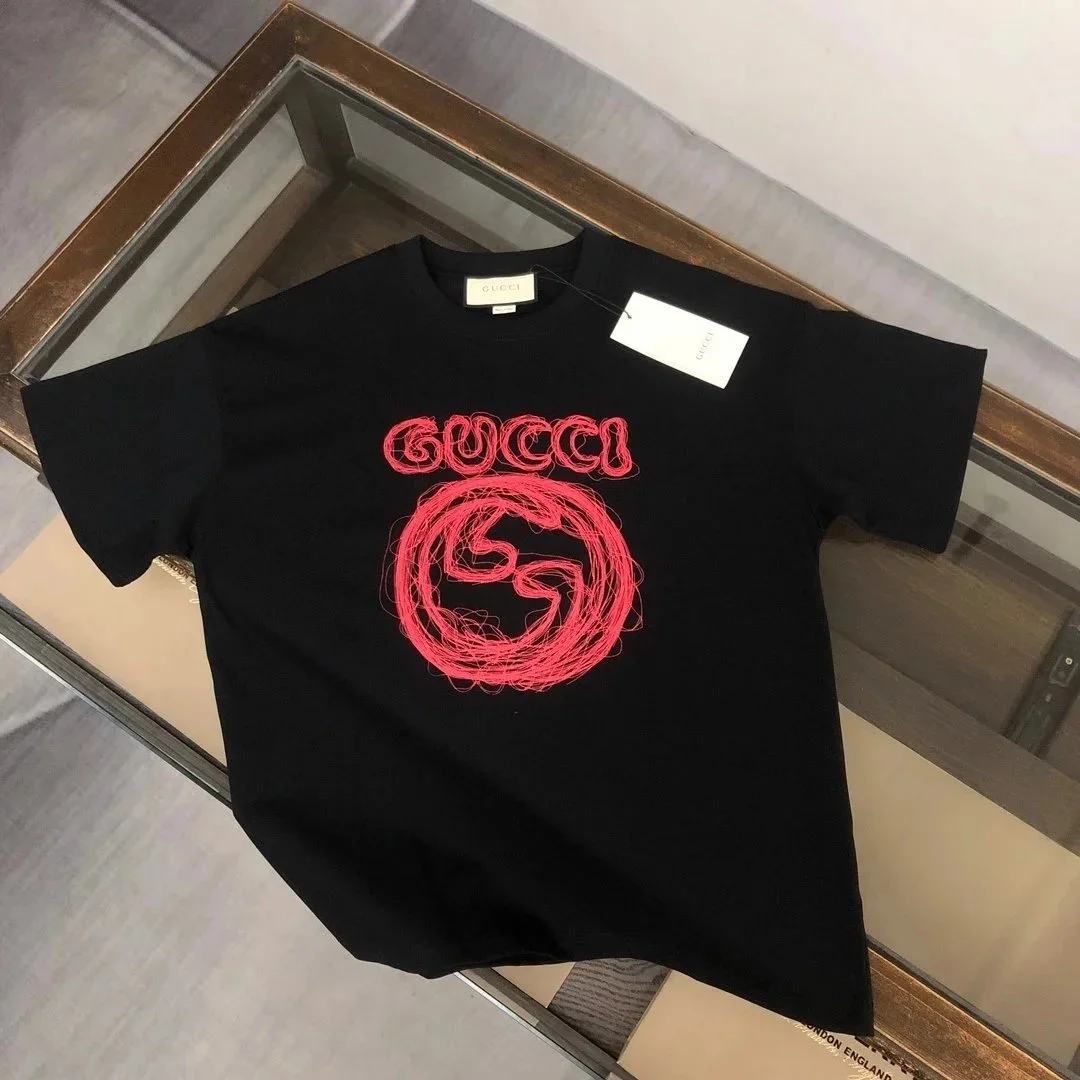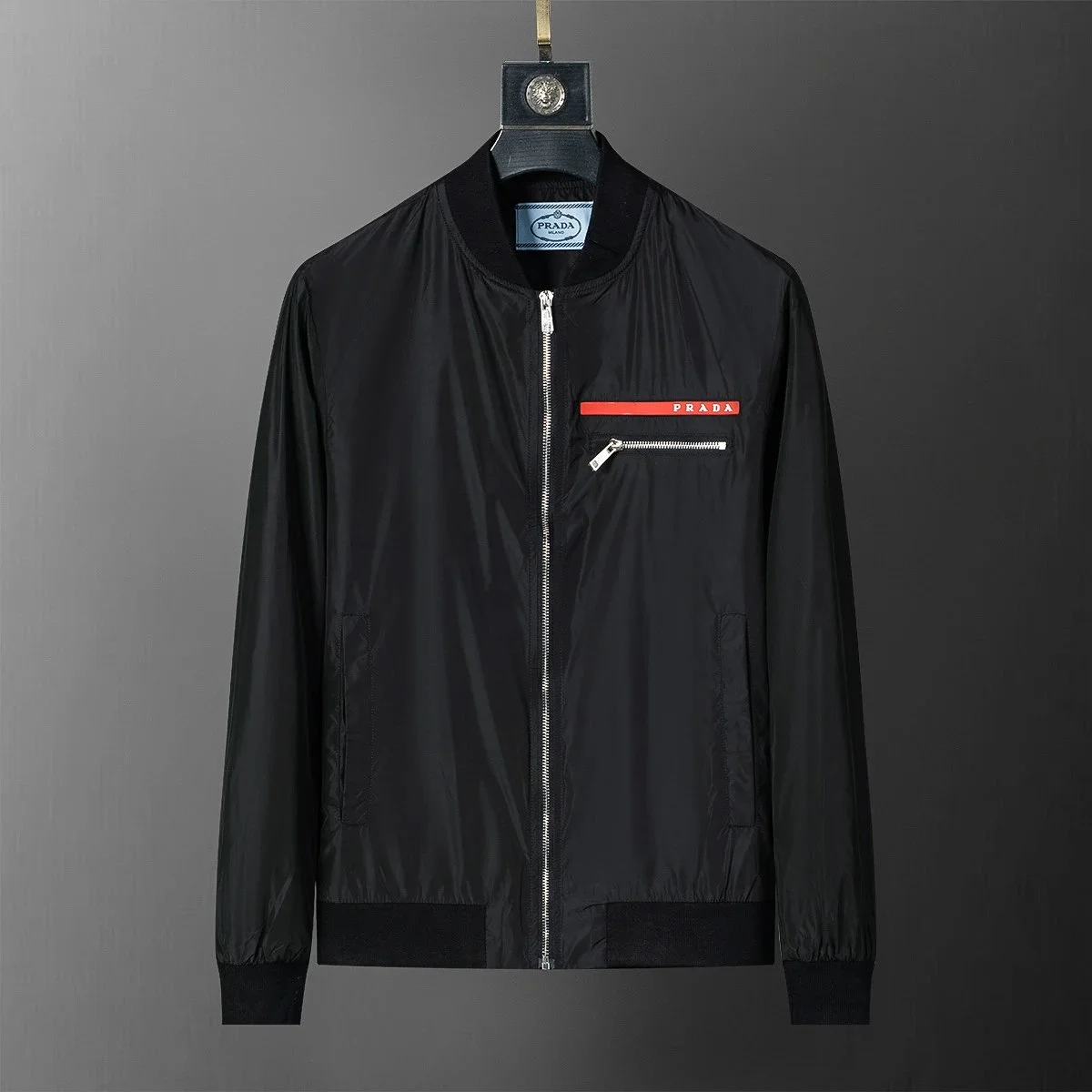

Vale Forever
View details ~$23.83¥171.6
Curated finds. Clear comparisons.
Browse original product photos, compare item-price estimates and find practical buying advice—all in one place.
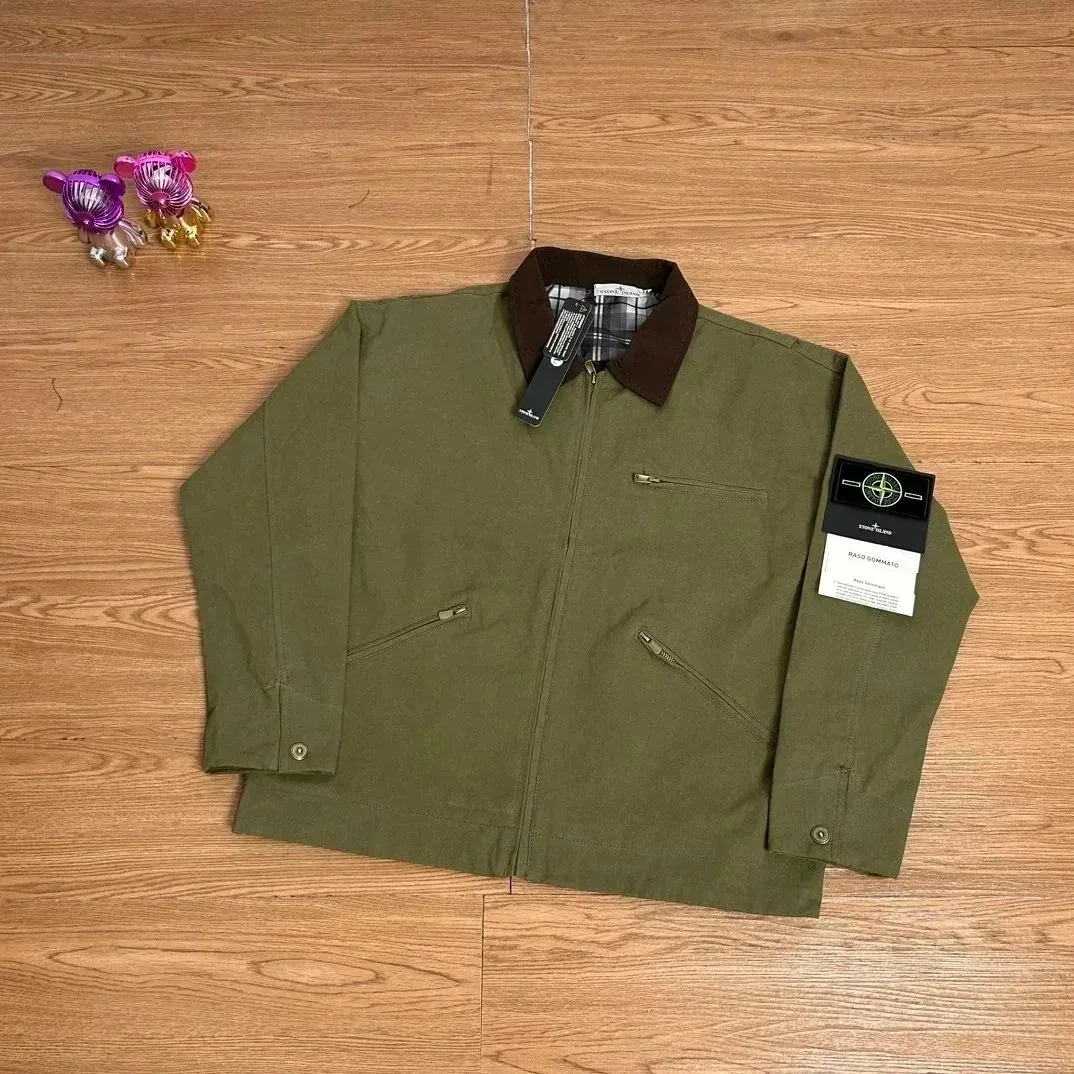
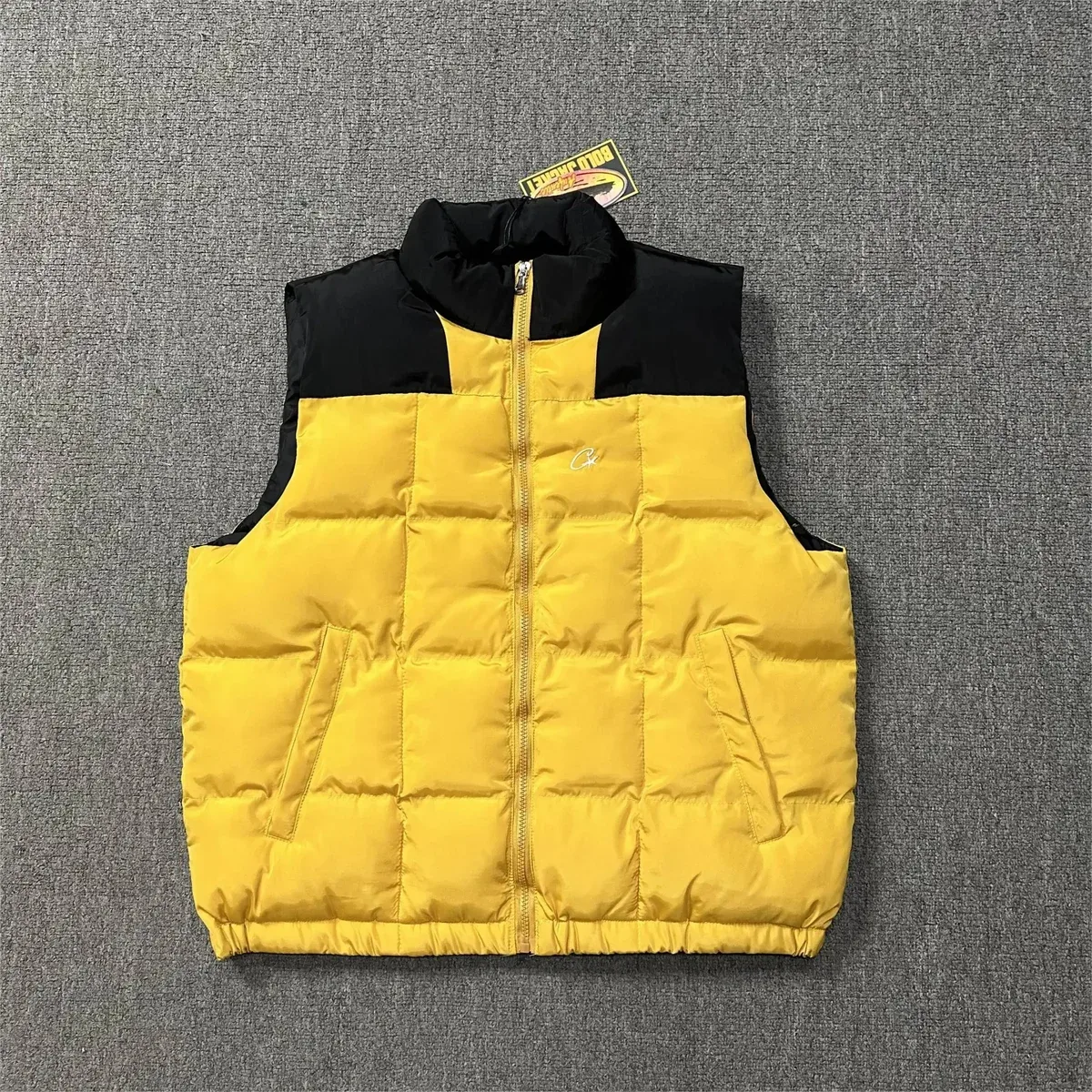
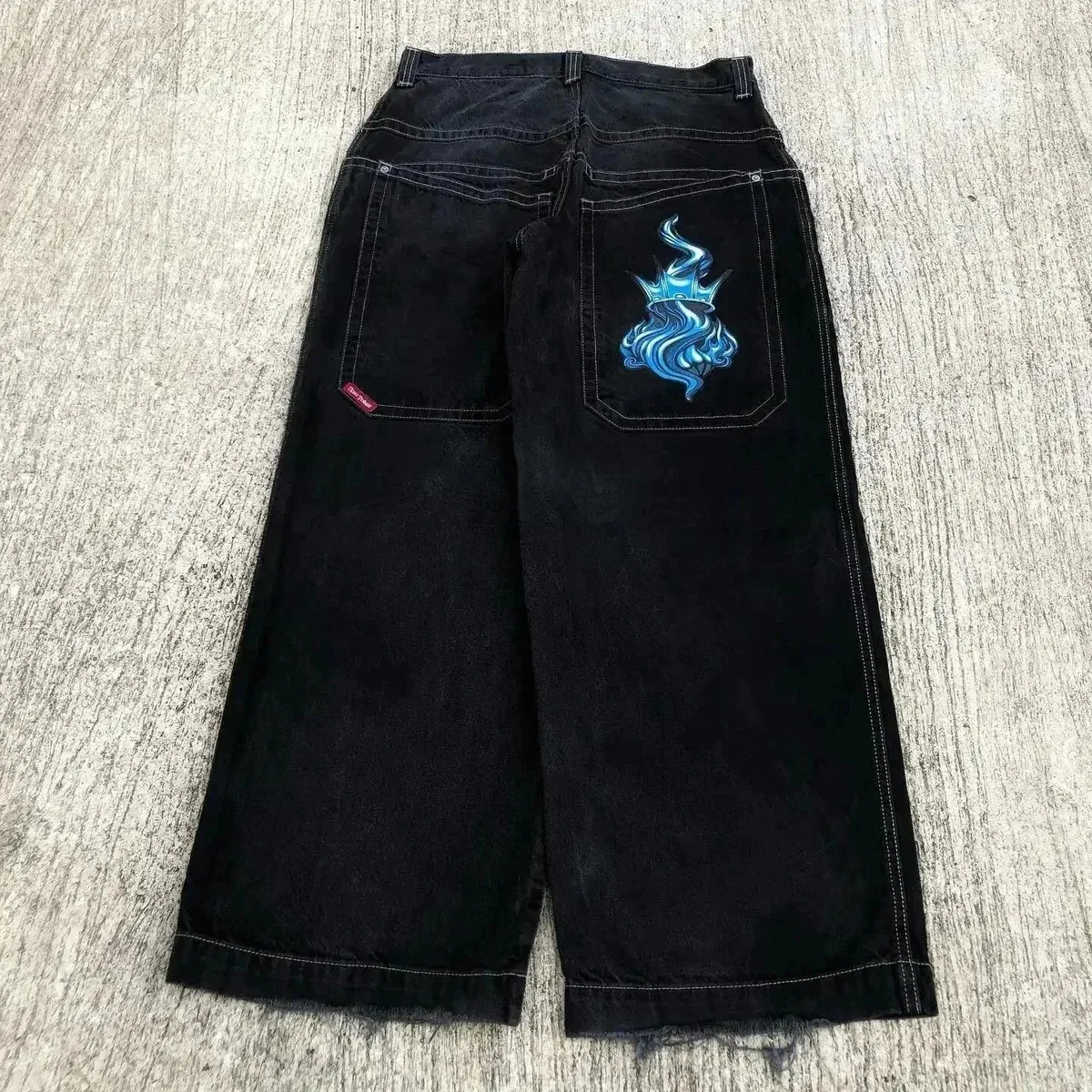
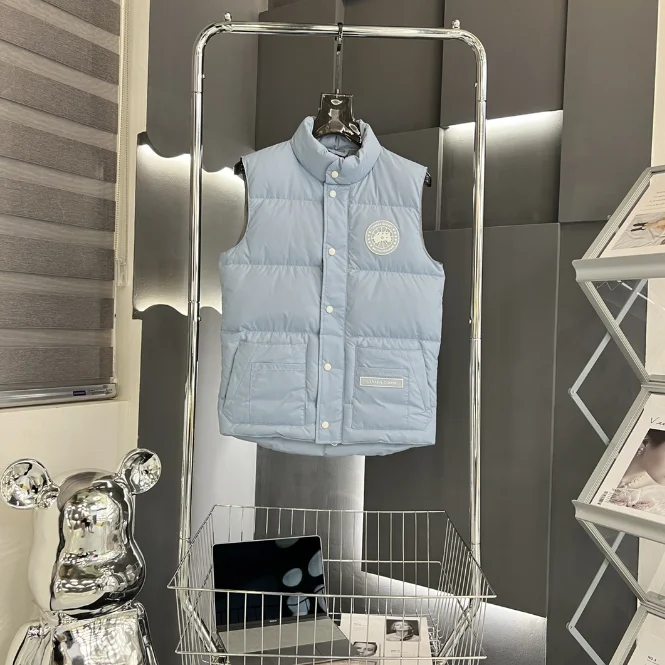
Graphic details, holiday colour and layers for cooler days. Start with one piece you love, then build around it with the everyday favourites you already own.
A practical guide to product links, purchasing, warehouse checks, returns, parcel submission and delivery, based on KakoBuy’s official workflow.
Check the right variant, understand inspection limits and act on problems before international shipment.
Understand the estimated card price, the first order payment and the separate international parcel bill.
A few useful answers before you start browsing.
Browse a category or the featured picks, then open a product to see its photo, reference price and details. “View current options” opens the matching listing in a new tab. Saving a find keeps a shortlist in this browser; it does not place an order or reserve the item.
The displayed estimate covers the item only. Shipping and any additional services are separate. The estimate is a reference rather than a live quote, so check your selected option and the amount payable before purchasing.
Use the size chart for the exact option you want. Compare garment measurements with a similar piece that fits you, using the same measuring method. For shoes, check whether the chart describes foot length or insole length. A familiar S, M or L label alone is not enough to judge the fit.
The photos on product cards and detail pages are catalog display images. They are not inspection photos of your own order. Review the warehouse photos attached to your purchase to check the selected colour, size label and visible details; a catalog photo cannot confirm the condition of an item you will receive.
Select the image icon beside the homepage search box. It opens the external product directory in a new tab. Use the image-search control there to upload your photo and explore the results, then compare each result’s model, colour and options. The upload takes place on that destination site.
Open the product details, compare your options, and find your next look.
Explore more finds ↗Product details open in a new tab.